About CatLogs
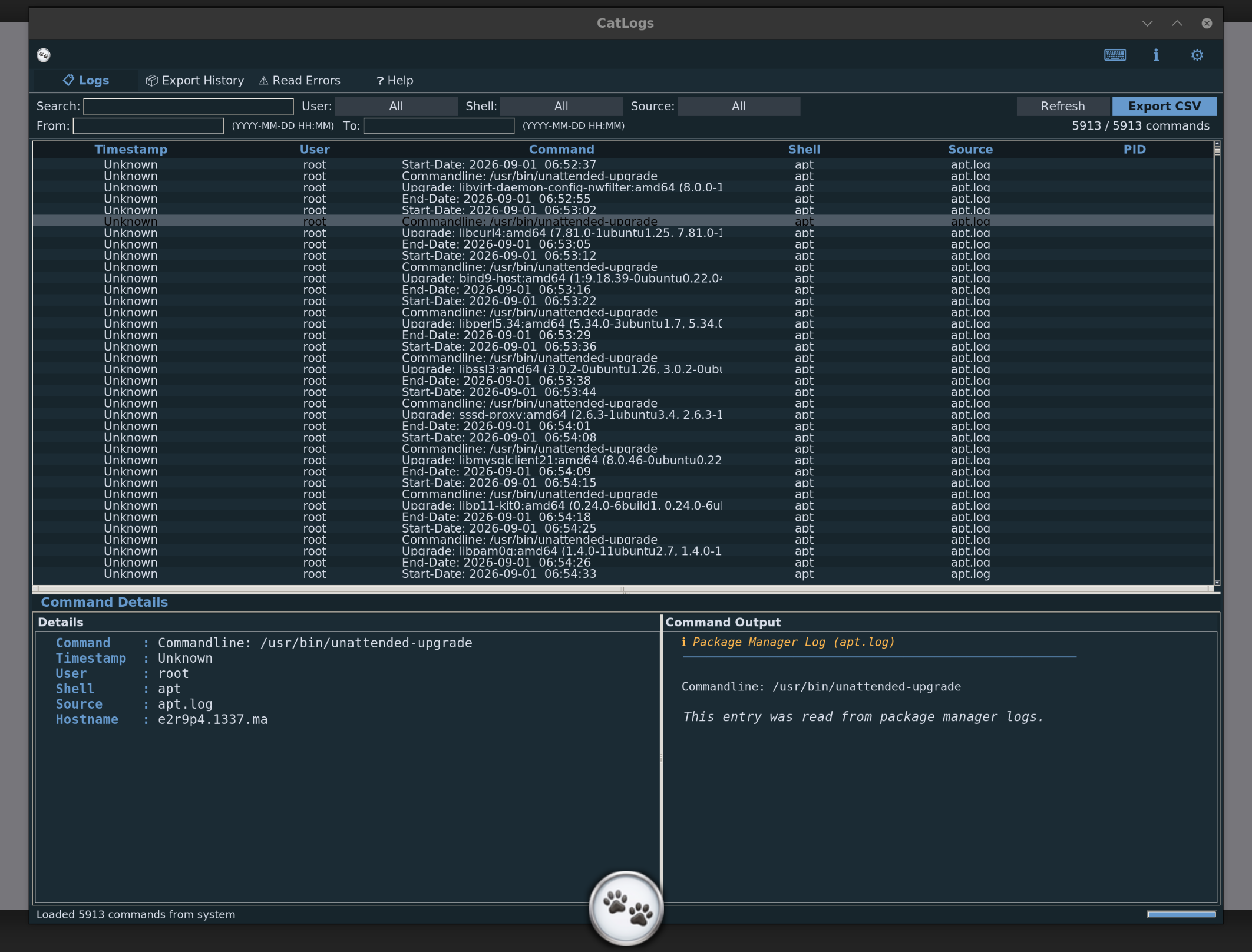
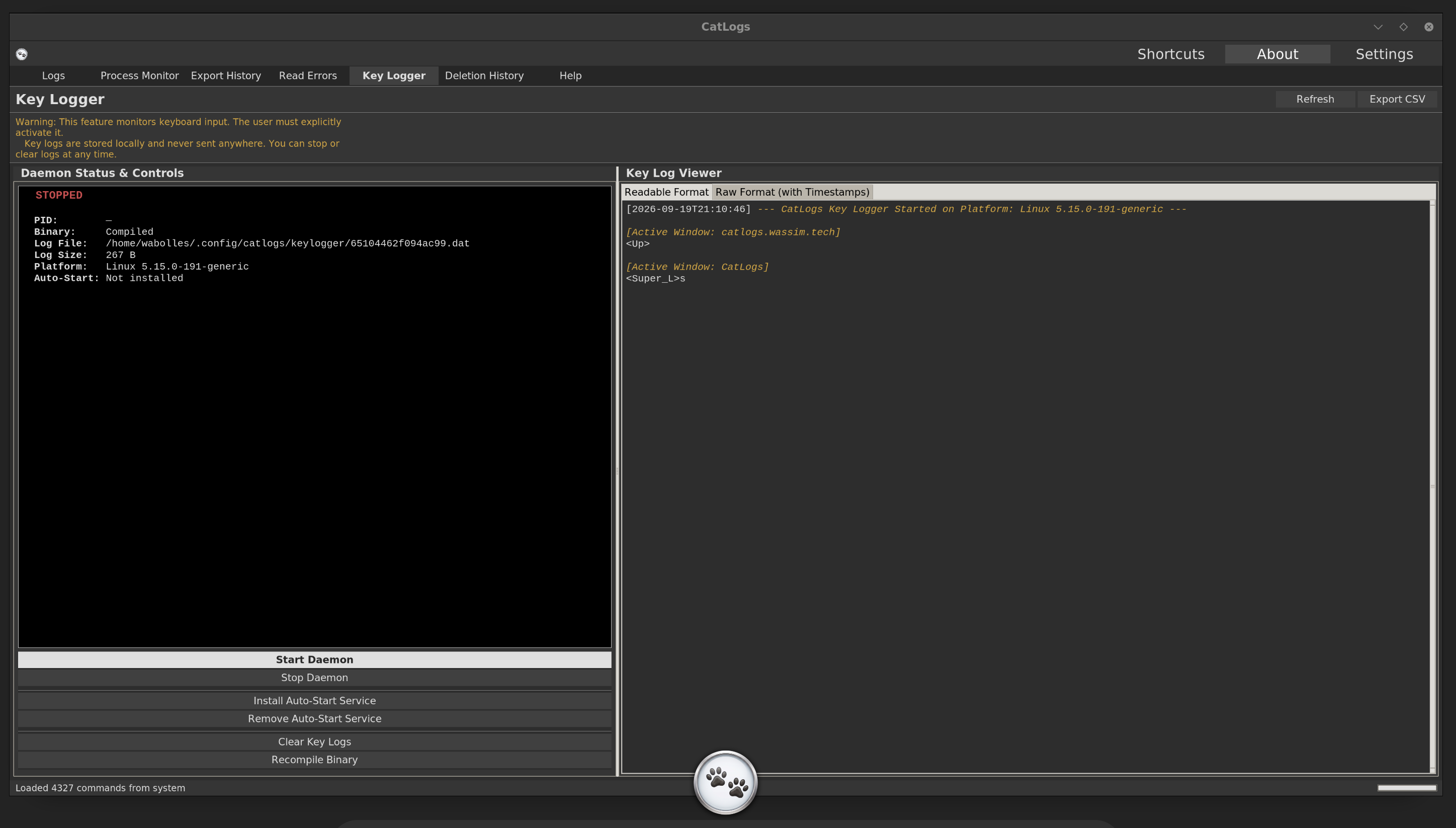
CatLogs gathers historical commands and system events from across your Linux machine and displays them in a searchable, sortable interface. It reads shell histories, auth and journal logs, boot/power events, session lock and login activity, live process data, scanner results, and PDF-ready audit exports.
All data stays on your machine. CatLogs makes no network connections and sends nothing anywhere. You can export filtered views to CSV or generate a professional PDF audit report for local security reviews.
Explore CatLogs
Learn more about CatLogs features, privacy design, and installation options:
Docs
Explore supported log sources, the new live Process Monitor, real-time filtering, search capabilities, and keyboard shortcuts.
Privacy
Read about our local-only architecture with zero network access and complete data isolation.
Download
Install CatLogs on your Linux distribution using our quick script or standalone packages.
Open Source
Access the source code, track releases, and report issues on GitHub.
Quick Install
Install CatLogs directly on your Linux machine with a single command:
copy$ curl -sSL https://catlogs.wassim.tech/install.sh | sudo bash
Or download the Debian package directly:
For standalone binary downloads and other options, see the Download page.
What's new in v1.2.0
- Dedicated Process Monitor tab for live daemon and service visibility
- Lock screen, unlock, login, and logout history in the History section
- Local security scanner with findings persistence and PDF export reporting
- Boot and power event collection for system lifecycle auditing
- Professional dark PDF audit report export with compact executive layout
